Showing posts with label alexa skills. Show all posts

March 22, 2018

Harmony Hub Part 3: Editing Device Settings So Things Work Properly

Editing Your Harmony Hub Devices, Scenes, and Activities For More Effective Control


Adjust the Way Harmony Controls Your Entertainment Components


This is the third part of a series on setting up and using a Harmony Hub.  Part 1 reviewed the Harmony Hub, while Part 2 focused on setting it up.  Today, we will look at adjusting your Harmony app settings so that they correctly control your devices.  As we discussed in Part 1 and Part 2, the Harmony Hub can be very quirky, and you may need to make several adjustments after initial set up.

What Can Be Adjusted?

Depending on the specific device, different functions can be adjusted within the Harmony App (Desktop or Mobile.)  You can adjust things like the way a device powers on and off, input settings, command repeats, commands, and delays. You can change a device's name. You can add commands to a device's routine, and/or fix commands that are not functioning as expected.   You can also create activities that group a set of commands together for one or more devices. These activities will later show up as scenes in your Alexa app.

Creating additional activities will also create new command prompts in Alexa, so that tasks can easily be accomplished with a single voice command.  Many of these activities are created during the initial set up, like we discussed in Part 2.  You may find that an activity you set up is not working as expected. If so, you can edit the activity and make adjustments so that it does, in fact, operate like you want.  For example, I have a dual Toshiba DVD/VHS recorder.  I set up a "watch Toshiba" activity that powers on the TV, turns the Timer off on the Toshiba, sets the input to DVD, and brings up the recording menu.  This initially did not work correctly, as it takes the Toshiba about 20 seconds to load a disc.  I needed to adjust this activity by adding a delay between turning off the timer and queuing up the recordings menu.  After adjusting the activity within the Harmony App, my activity now works as I desire.

EVERY TIME you make adjustments to devices or activities, you will need to unlink and relink your Harmony Account from within the Alexa app.  Then you will need to rerun Discovery from within Alexa.  Harmony may not update your corresponding Alexa settings if you do not unlink and relink your Harmony Account.

What Do I Adjust First?

For most of us, the TV is the heart and soul of our Entertainment Center.  Therefore, it is extremely important that your TV is configured correctly.  It is especially important that the input settings work correctly. Therefore, I always suggest you "edit" your Television Device first.  We'll walk you through adjusting your TV's device settings later in this article. You may find your other components behave better once the TV is set up correctly.

March 12, 2018

Use Alexa for March Madness Coverage and Updates

Alexa Can Keep You Up to Date with the NCAA Basketball Games


Listen to Live, Streamed Coverage,
or Check the Scores and the Schedule,
Using Alexa and an Amazon Echo


March is here! And in the United States, that means March Madness and the NCAA Basketball Tournament.  Did you know you can use Alexa to keep you up to date on everything tournament related?

Today, we are going to look at two Alexa Skills that will help you keep up during March Madness. Both of these skills are free to enable.

March 8, 2018

Harmony Hub Part 2: Setting Up Your Harmony Hub

The Logitech Harmony Hub, Part 2:

 
Setting Up Your Harmony Hub and Adding Devices


This is Part 2 of a series examining the Logitech Harmony Hub. In Part 1, we reviewed the Hub itself, and we looked at what how the Harmony Hub can add voice control to your existing entertainment components, as well as Smartphone control.   In Part 2, we look at configuring the device to work with your system components.  In Part 3, we will look at adjusting your Harmony Routines to better control your own specific entertainment components.

By  the time you've gone through Part 2, you'll have learned how to add devices to your Harmony Hub, as well as how to set up routines and activities for your various components. You'll also learn how to integrate your Hub and associated devices with Alexa.  You will find many of your devices and routines work well, with no further tinkering.

However, once you begin voice controlling your components, you may find some are not working as expected. In Part 3, we'll talk about how to edit your devices and activities, so that everything functions smoothly.  After using your Hub for a few days, you'll have a better idea of what needs tweaking.

February 21, 2018

Harmony Hub: Add Voice Control to Your TV and Entertainment Center

The Logitech Harmony Hub, Part 1:


Control your TV, DVR, and Other Entertainment Components with Your Voice


If you have a Fire TV and Alexa, you've probably already played around with voice controlling it.  And you may have wished you could extend these voice-control abilities to your TV itself, as well as your other entertainment system components.  Well, what if I told you there was a way to add this voice control to your existing equipment?  Would you like to learn more?

Today, we're going to tell you just how to do that, using the Logitech Harmony Hub.  In Part 1, we're going to introduce you to the Harmony Hub itself, and talk about how it can enhance equipment you already own.  Later, we'll get a little bit deeper into setting up the Harmony Hub, as well as configuring it to work with your equipment.

What is the Harmony Hub?

The Harmony Hub is a small device that connects to your home wifi and turns your smartphone or tablet into a universal remote control. Additionally, once you activate the corresponding skill, it adds Alexa Voice Control abilities to your home entertainment system. So the Harmony Hub gives you BOTH universal remote and Alexa voice control abilities.

January 11, 2018

Ask My Buddy and Alexa Can Summon Help in an Emergency


Alert Your Personal Emergency Network
Using Only Your Voice,
 with Alexa and Ask My Buddy


Turn Your Smart Speaker into an Emergency Alert Device


Alexa and other Smart Home technologies can make life a lot easier for people who live alone, people who have disabilities, and a lot of older people.   Smart Home technologies and Smart Speakers can automate a lot of tasks, and make physical tasks simpler for those with physical limitations.  Smart speakers and other assistive technologies can help a person continue to live independently, in his or her own home, for a longer time. But what these technologies cannot yet do is to call 911.  Wouldn't it be great if Smart Speakers, like the Amazon Echo or Google Home, could summon help when an individual needs it?  Well, now they can, thanks to a service called "AskMyBuddy.net."

I've Fallen and I Can't Get Up

Most of us have seen the commercials. A senior citizen is in distress, but s/he cannot get to a telephone to summon help.  However, the individual wears a pendant, and by pressing a button, s/he can summon assistance from a personal emergency alert network.  And although these devices are marketed to seniors, I know a few women and people with disabilities who live alone and wish they had this "yell for help" capability, but they do not want another monthly expense, especially when they figure they will not use it often. Many people in this category have Alexa or a similar Smart Speaker.    However, despite the fact Alexa has limited calling abilities, she cannot dial 911, no matter how many times you ask her to.  Wouldn't it be nice if Alexa could summon emergency help with a voice command?

December 20, 2017

Merry Alexa-Powered Christmas

Let Alexa be Your Holiday Helper


Use your Amazon Echo to Help with your Holiday Prep


We are midway through the Holiday Season, and getting down to the wire.  Last night, we lit all eight candles on the menorah, and on Sunday Night, Santa finally comes.  As with the other Holidays we've looked at, (Halloween and Thanksgiving,) your Alexa powered device can help you make your Holidays a little merrier.

Today, we're going to look at Alexa skills you can use to help you through the Holidays.  Most of these skills can be enabled by saying "Alexa, enable the [name] skill.

Holiday Cooking

We've already covered the ways Alexa can help you with your Holiday Meal Prep when we talked about an Alexa-Powered Thanksgiving. Many of the same recipe and meal planning skills can help you with your Holiday meal prep.  You can find out all about the Pie Guy skill, Betty Crocker, What's Cooking, Roast Calculator, and more in that article.  But there are a couple of helpful holiday food skills we did not cover there: Holiday Cookies, and Santa Snacks.


Holiday Cookies, of course, gives you all sorts of ideas for Holiday Cookies.  It will read you the ingredients as well as the instructions.   You can pause and/or repeat any step at any time.  And of course, you can do it all hands-free.  To enable, ask Alexa to enable the "Holiday Cookies" skill. To use, say "Alexa, ask Holiday Cookies..." or "Alexa, open Holiday Cookies.


Santa Snacks: Santa Snacks will help you find the perfect snack for Santa!  Just answer a few questions, and this skill will suggest a snack to leave for Santa Claus.


Santa-Related Alexa Skills


November 16, 2017

An Alexa Powered Thanksgiving

Alexa can Ease Your Thanksgiving Prep
And Help you on Thanksgiving Day


An Amazon Echo Makes an Excellent Thanksgiving Assistant


Thanksgiving is a week away. For some people, Thanksgiving is all about the food; for others, it's about football. For most, it is a hectic time that we all love.  But it is also a time in which we can all use a helping hand. And Alexa can step in and give you help, easing some of the stress.  

Today, we're going to look at how Alexa can help you with Thanksgiving, both in the lead up period and on the big day. We will look at Thanksgiving skills that can be enabled, as well as built-in abilities that will come in handy.

October 27, 2017

An Alexa-Powered Halloween (Smart Home Series Part 11)

An Alexa Powered Halloween:
Enhance Your Halloween Using Alexa and Your Amazon Echo


Halloween is upon us. Although Halloween falls on a Tuesday this year, many communities are celebrating this weekend.  Additionally, many of the adult parties are scheduled for Saturday. Many families are using this weekend to prepare for Halloween.  If you have an Amazon Echo or Dot, you can use Alexa as an adjunct to your Halloween preparation and celebrations.

Today, we return to our Smart Home Series.  This article is Part 11 of the series. You can go back and read Part 1 here.  This post examines fun, Halloween-related things to do with Alexa. We'll look at spooky skills, spooky sounds, and spooky videos, as well as how to find some Halloween-related recipes using Alexa.

Spooky Skills


As we learned earlier, Alexa has a plethora of skills which can extend her functionality. Amongst these skills are some specific Halloween oriented skills.  Remember, you can activate most skills by saying "Alexa, activate the [name of skill] skill."  (Skills which require account linking usually need to be activated from the skill's page at Amazon, or through the Skills section of the Alexa app.  More information about skills and how to activate them can be found in Part 3 of our Alexa series.)  Since most of these spooky skills do not require account linking, they can be activated with a voice command.

July 25, 2017

The Alexa App, In-Depth, Part 3 (Smart Home Series, Part 4)

The Alexa App, In-Depth, Part 3:
Extending Alexa with Skills

Adding Additional Alexa Skills, and
Fun Things to Do with Alexa


This is Part 3 of an in-depth look at Amazon's Alexa app and the Echo Family of Alexa-enabled devices. Part 1 introduced the Alexa app, talked about setting it up, accessing menus, using Alexa as a media and audiobook player, as well as pairing devices to the app. Part 2 looked at all the submenus in the settings section, as well as about lists, alarms, and reminders. It covered personalizing your devices, setting up news briefs, setting your location, changing your wake word, and changing other Alexa defaults. Part 2 discussed pairing accounts to Alexa, as well as customizing news and sports briefings, pairing a calendar, changing your music streaming defaults, and voice purchasing with Alexa.  Part 2 covered customizing almost every Alexa setting that can be customized. Today, we're going to get to the fun stuff.  Alexa can do a lot that's fun, inane, or just silly. Some of these things are available natively, while others require enabling skills.

What is an "Alexa Skill?


When you get a new Smartphone, it comes with certain abilities, like voice dialing, messaging, and a camera. It may not come with things like Facebook or a photo editor, but you can easily go to the App Store to add these capabilities. Likewise, a new PC comes with little more than a web browser pre-installed.  You usually download or install additional software.  Your Echo device comes with a lot of functionality built-in, but you can extend it through adding new skills.

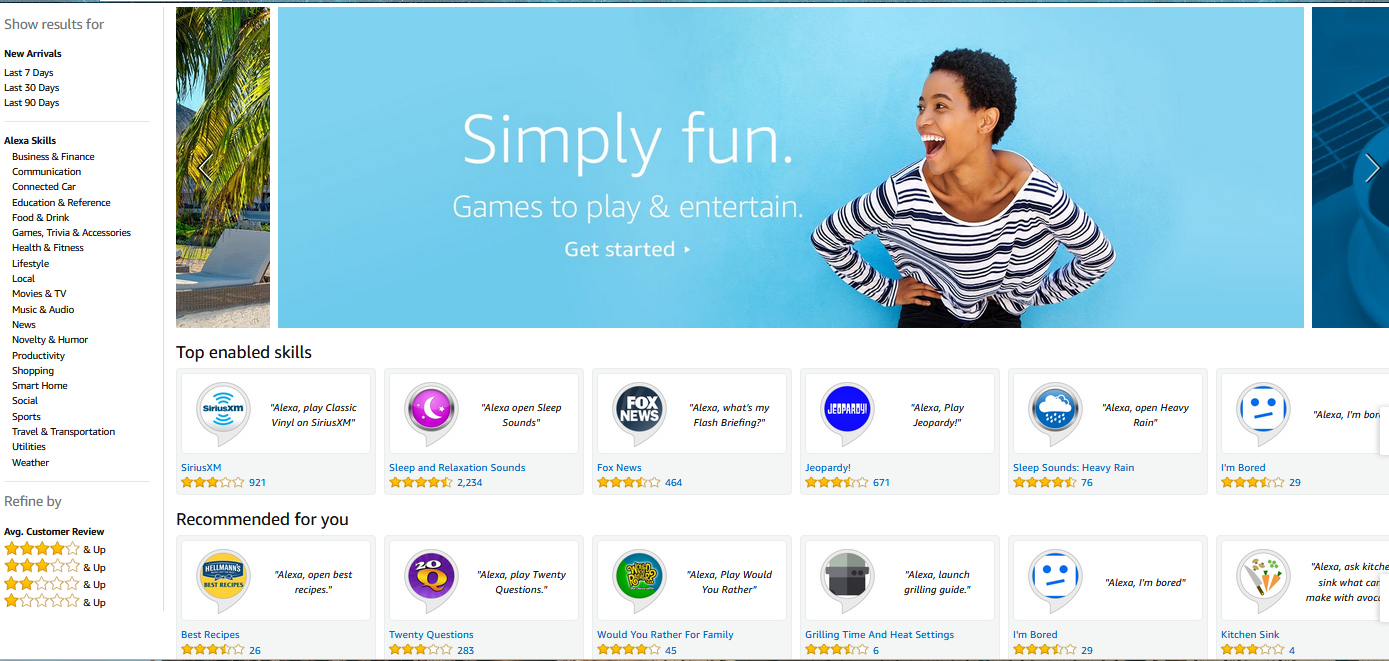
An Alexa skill is like a phone app or a software program. It is a little program that will add new features to an Alexa compatible device.  Presently, all Alexa skills are voice-driven.  (That may change as Amazon develops Alexa devices with screens or cameras, like the Look and the Show.) And rather than "installing" a skill, you merely have to "enable" it.